Volkano
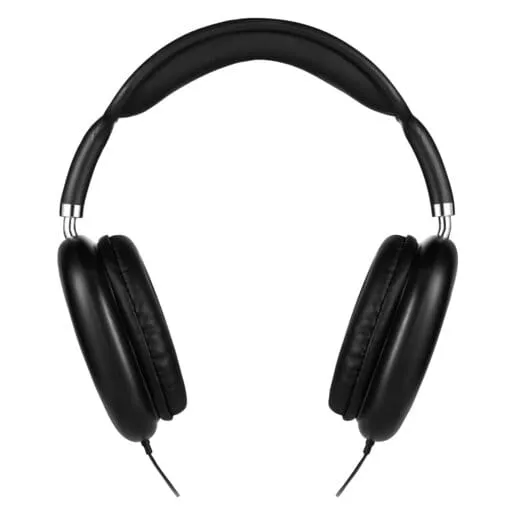
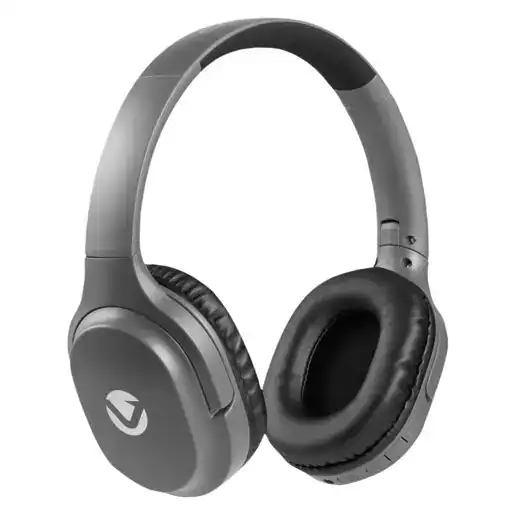
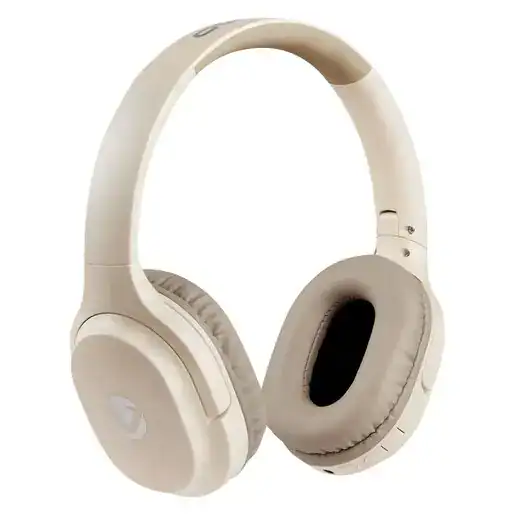
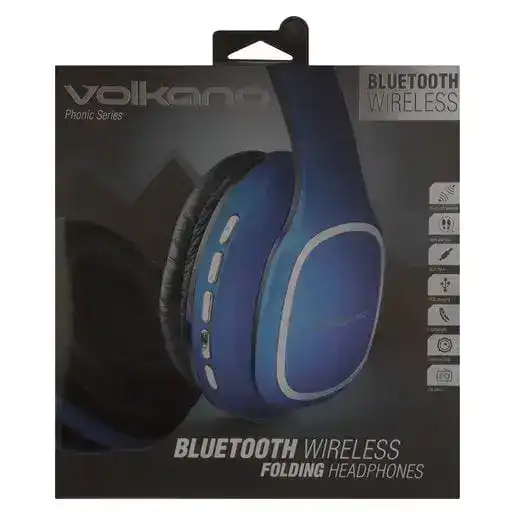
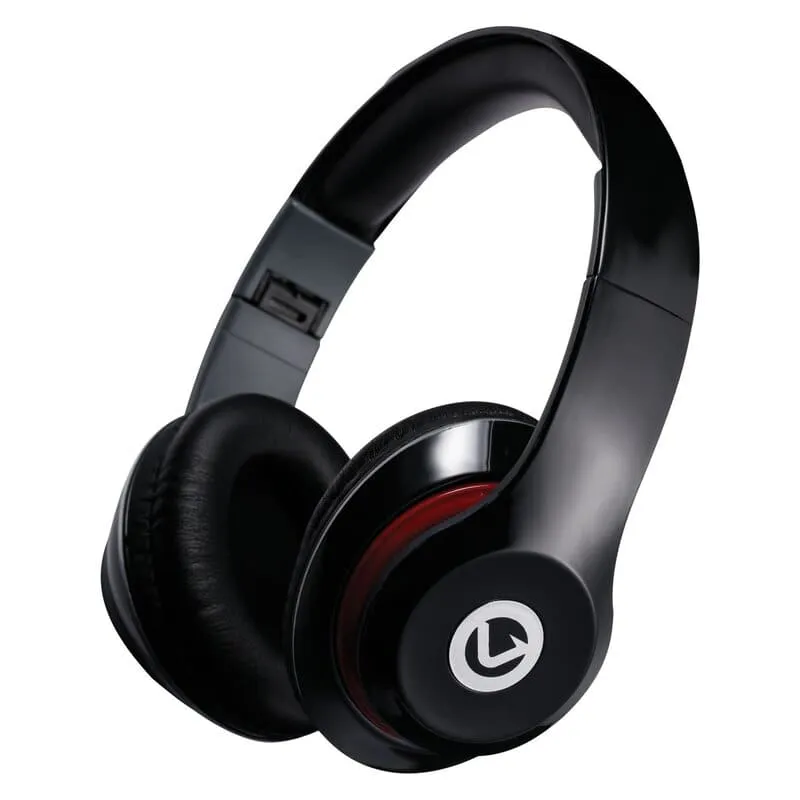
Volkano Falcon Series Headphones Black
Offered by 1 pharmacy · 1 in stock
Dispatched from Primrose
Germiston · set your location for the nearest pharmacy
Description
Experience crisp, immersive sound with the Volkano Falcon Series Wired Headphones, designed for those who prefer a hassle-free AUX connection without worrying about Bluetooth pairing or battery life.
Specifications:
- Driver Size: 40 mm
- Frequency Response: 20 Hz - 20 kHz
- Impedance: 32
- Sensitivity: 94 dB 3 dB
- Cable Length: 1.2 m / 4 ft (AUX connection only - Not Bluetooth compatible)
Features & Benefits:
- Folding Frame - Compact and easy to store for on-the-go use.
- Soft Ear Cups - Comfortable for extended listening sessions.
- AUX Compatibility - Works with most devices featuring a 3.5mm headphone jack.
- Hands-Free Calling - Built-in microphone for clear voice communication.
Important Note:
This is a wired AUX headphone and does not support Bluetooth. Please ensure your device has a 3.5mm AUX port before purchasing.
Troubleshooting
If you experience an issue where only one side of your headphones is working, try these steps:
- Check the Audio Source
- Try a different device - Plug the headphones into another device to see if the issue persists.
- Check the audio balance settings - On your phone, computer, or music player, go to Sound Settings and ensure the balance is centred (not shifted to one side).
- Inspect the AUX Cable & Connection
- Unplug and reinsert the AUX cable firmly to ensure a secure connection.
- Check for dirt or debris inside the AUX port and clean it gently with compressed air or a soft brush.
- Examine the cable - If the wire is bent, frayed, or damaged, it could be causing a short.
- Test with a Different AUX Cable (If Removable)
- If your headphones have a detachable AUX cable, try using a different one to see if the issue is with the cable rather than the headphones.
- Gently Adjust the Wire
- If the sound cuts in and out when wiggling the cable, the internal wiring may be faulty. Avoid bending the cable sharply, as it might make the issue worse.
- Restart the Audio Device
- Turn off and restart the device you're using to reset the audio connection.
- Check for Physical Damage
- Inspect the earcups and internal wiring for loose or damaged components.
- If the headphones have been dropped or exposed to moisture, internal damage may have occurred.
Perfect for users who want a stable AUX connection without the need for Bluetooth, these headphones provide great sound and hands-free convenience.
What's in the box
1 x Wired Headphones
1 x Aux Cable
1 x User Manual
Ingredients: Not specified
Warnings: None specified
Usage Instructions: See product packaging
Available at these pharmacies
Primrose
Dispatches your orderGermiston
Only 4 leftR199.99